For the security conscious of you out there (myself included!), I've installed a two factor authentication add-on.
This allows you to sync up with Google's Authenticator app, and be prompted for an extra code when logging into your account.
This can be configured via your account:
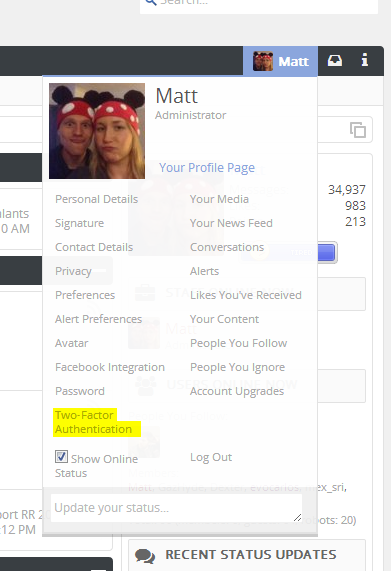
The initial screen you will be presented with allows you to add a new key.
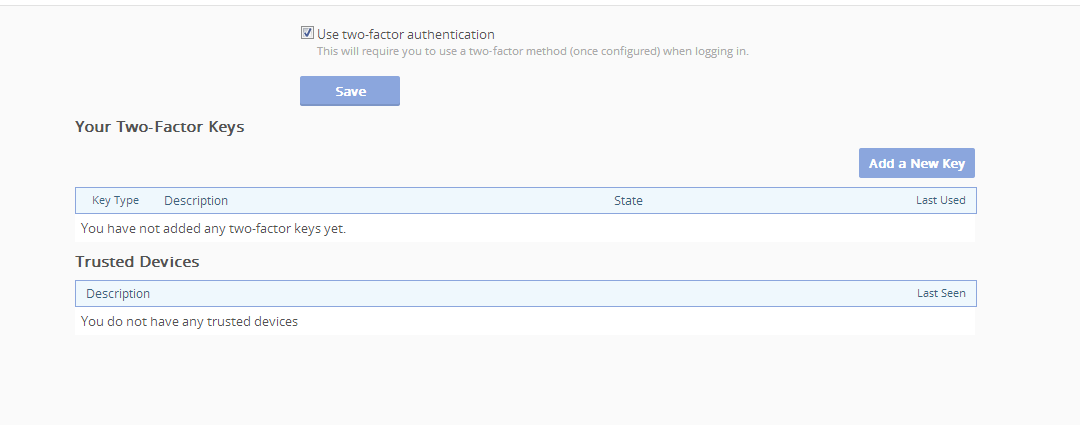
Click Add a New Key
This will generate the barcode which you can either scan with the app, or key in manually
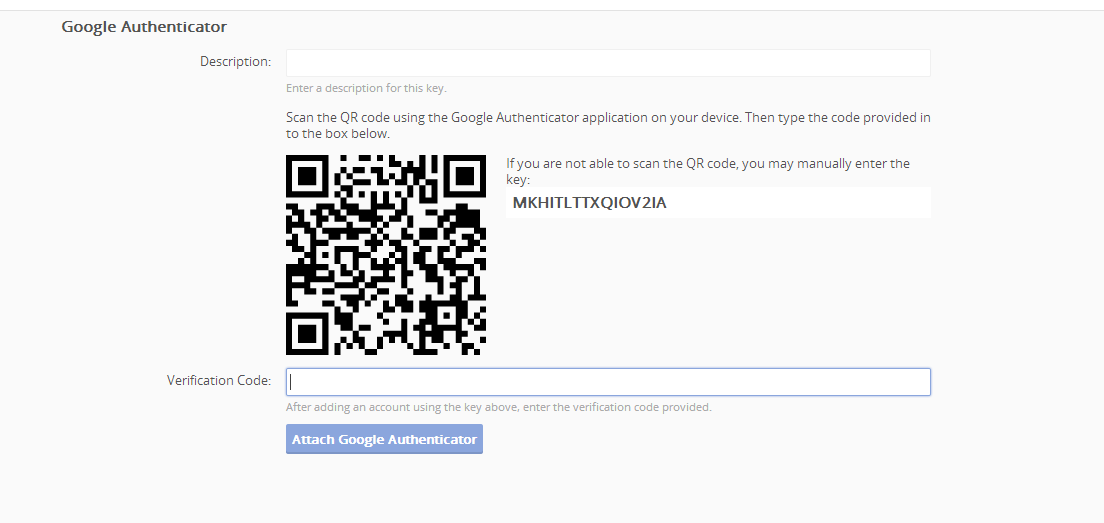
Give it a description.
Once it's been scanned, you'll get the code in your app to add to the Verification Code box
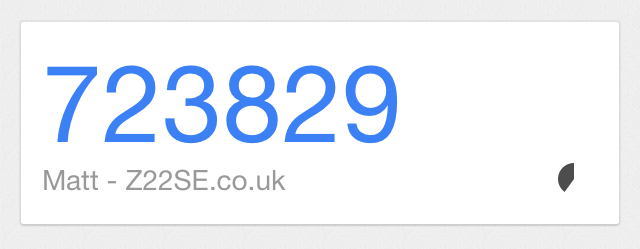
Once this has been entered and attached, you'll then see the Two-Factor Key listed.
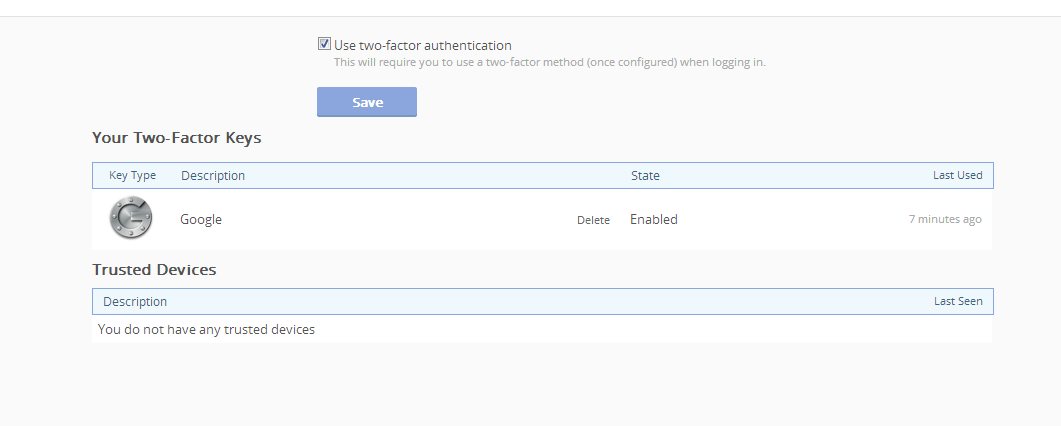
Now, each time you log in, you'll need to log in using the new key.
FAQ
- Users complaining Google Authenticator keys not working. Ask them to go to Settings -> Time Correction -> Sync now in the Google Authenticator application and try again.
- Two-factor is enabled by default in 'Your Account' area. This is correct, however until the user adds a two-factor key (e.g by attaching a Google Authenticator) it will have no effect on the login process for them.
- Where do I get the Google Authenticator app from? For iOS it's in the iTunes store, for Android it's in the Google Play store and for Windows Phone 7.5/8 a compatible app is in the Windows Phone store.