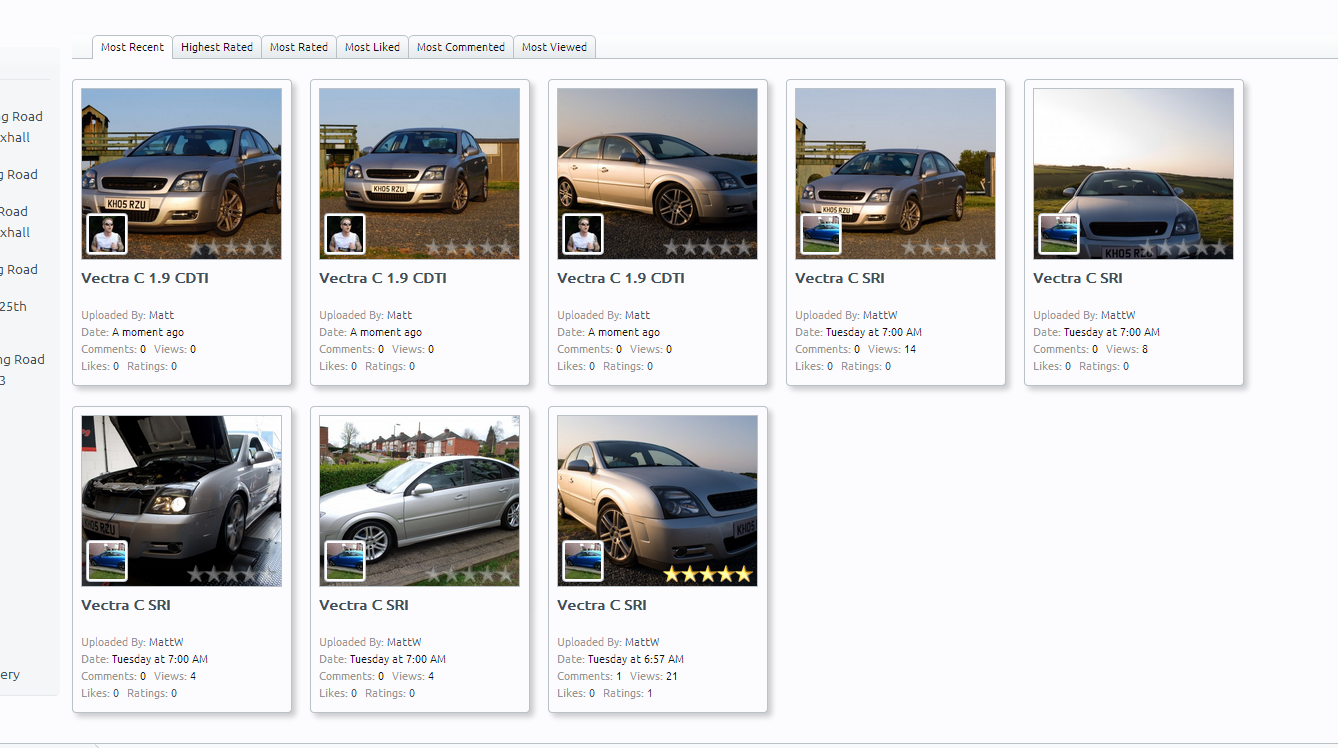
Adding Media
If there is currently no media in the category, you will see the below message, allowing you to click and add some media

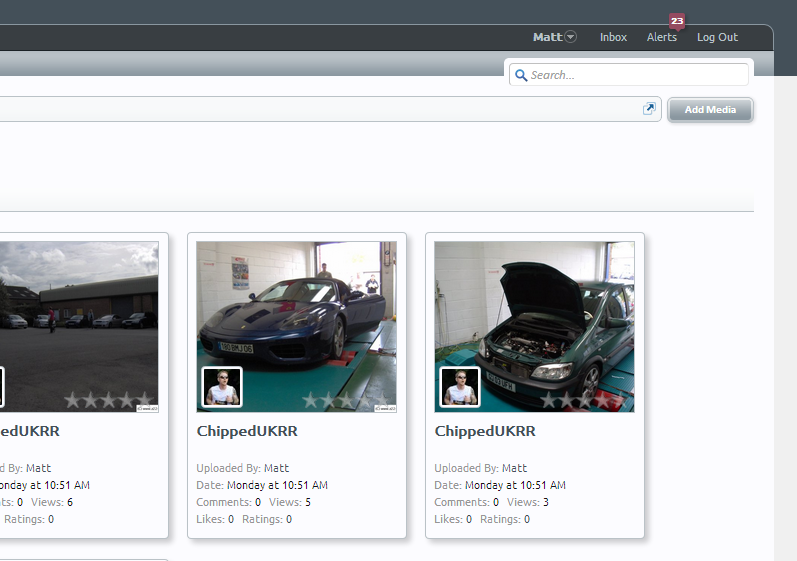
If there is already media content, you can click the Add Media button in the upper right hand side
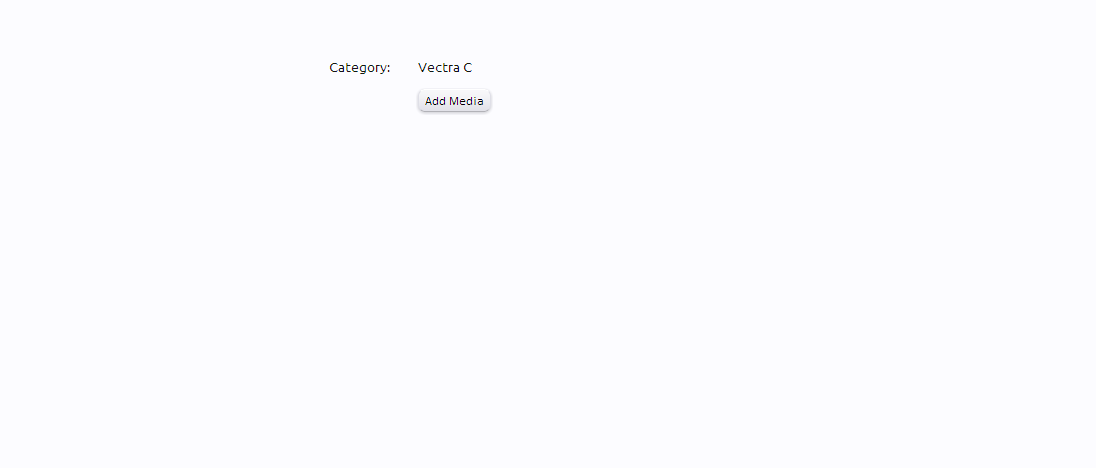
When you first click Add Media, you'll be taken to a page to start adding the media. It will tell you what Category you are adding the media to
Click the new Add Media button to open to navigation window to select your images to upload.
We have a limit of 30 images at a time that can be uploaded.
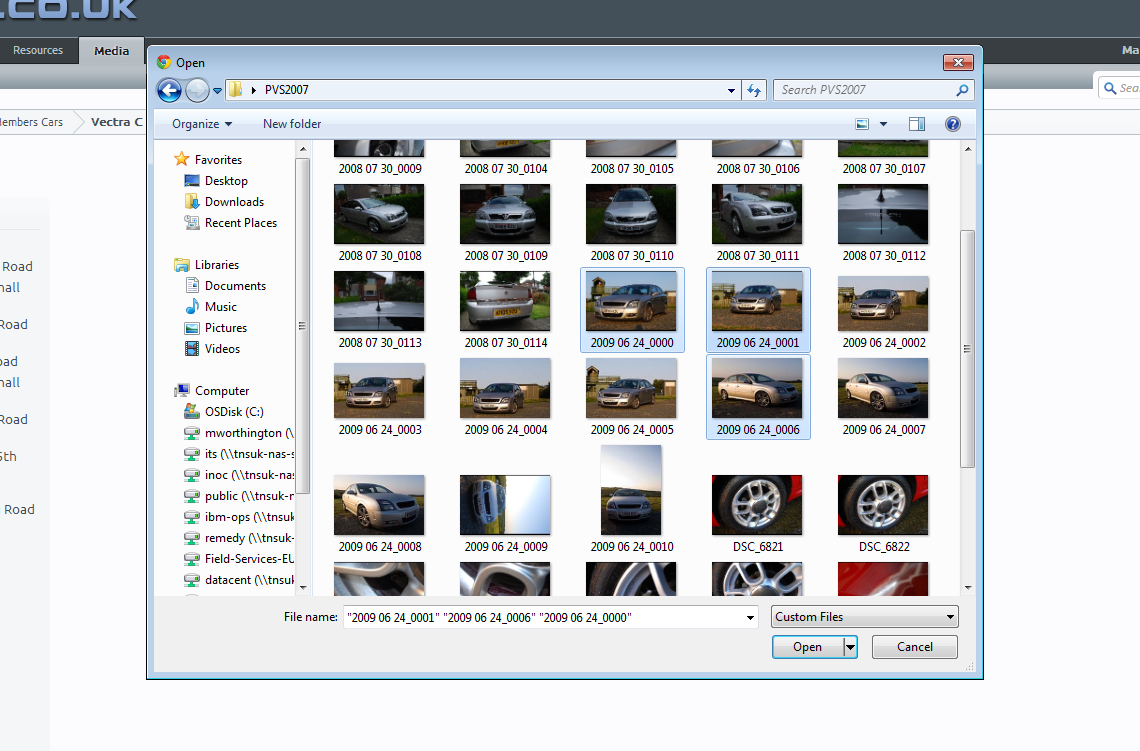
Select the images, and choose Open. You'll then see the below uploading and processing the images.
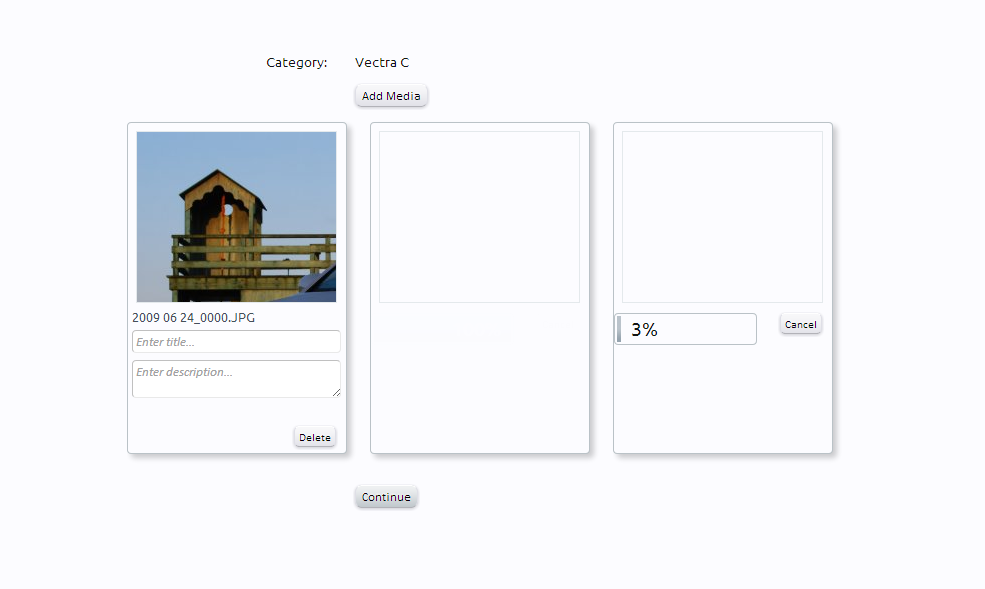
You then need to enter a Title for each of the images. This is a required field. The Description is optional.
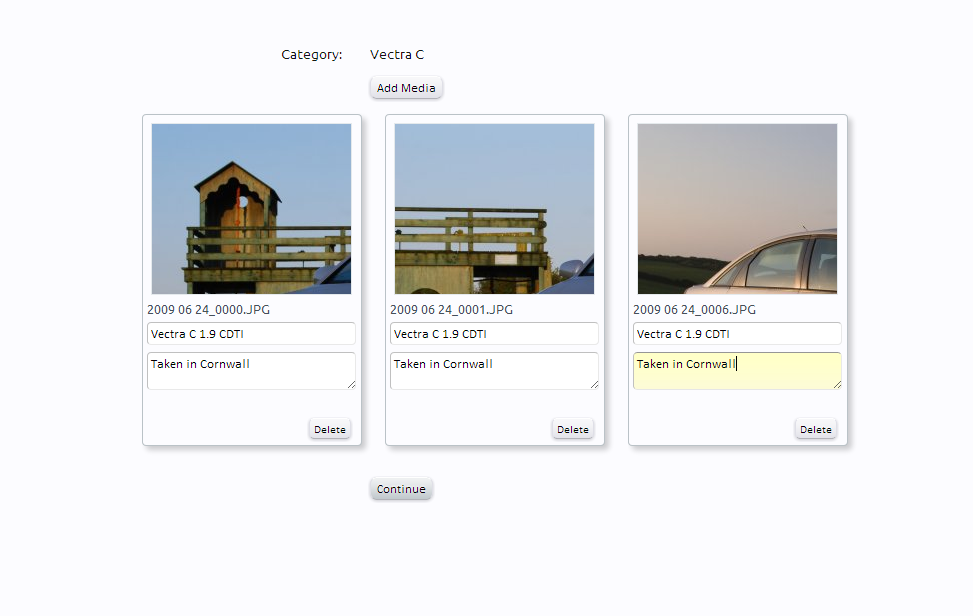
Click Continue when you are done. This will save the media, and take you back to the Category where the media has just been added to.